Finite Element Toolbox with Matlab®

for Solid Mechanics

including source code and test examples

FEM toolbox
About Products Examples Research Site map Contacts

   To install:

  • Extract files from the archive preserving directory tree structure (C:\fem_toolbox\...);
  • Add all directories (C:\fem_toolbox\...) to the Matlab path (File -> Set path -> Add with Subfolders... -> Save -> Close);
  • In Matlab 'Command Window' type "fem" to open main GUI.

Download: fem_toolbox.zip
(zipped ~ 132Kb, unzipped ~ 900Kb)
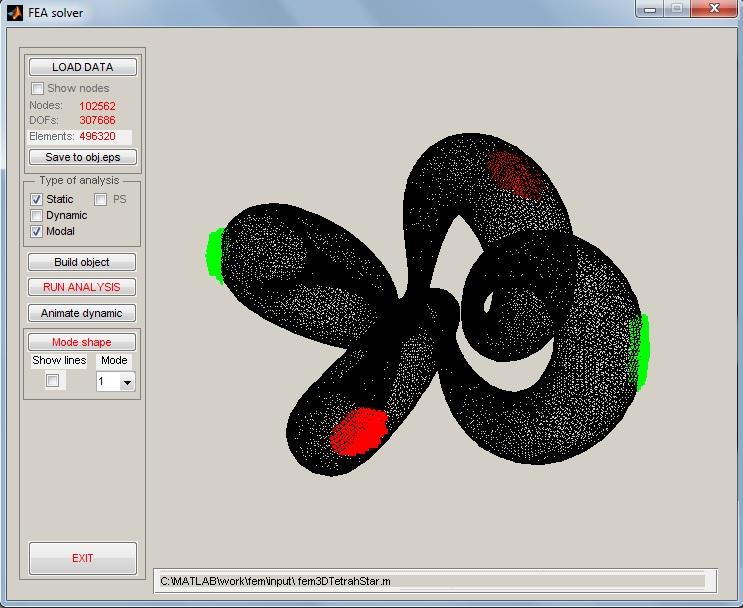
main GUI

   Basic features:

  • Simple GUI with input model visualization
  • Input files with data structures (nodes, elements, constraints, etc.)
  • Static, dynamic and modal analysis for linear systems
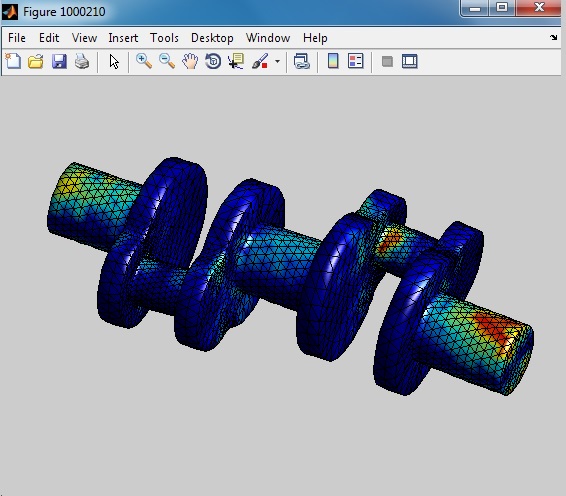
  • Graphical post-processing: modal shapes, deformations, response animations
  • Beam elements

       Element library:

    2D
    FF_BEAMx, y, xy
    FP_BEAMx, y, xy1
    PF_BEAMx, y, xy2
    truss2dx, y
    D2_CSTx, y
    D2_CSQx, y
    3D
    D3_BEAMx, y, z, xy, xz, yz
    D3_TRUSSx, y, z
    D3_LBx, y, z
    D3_TETRAHx, y, z
    3D solid

       License:

    plain stress/strain
    Send your comments:

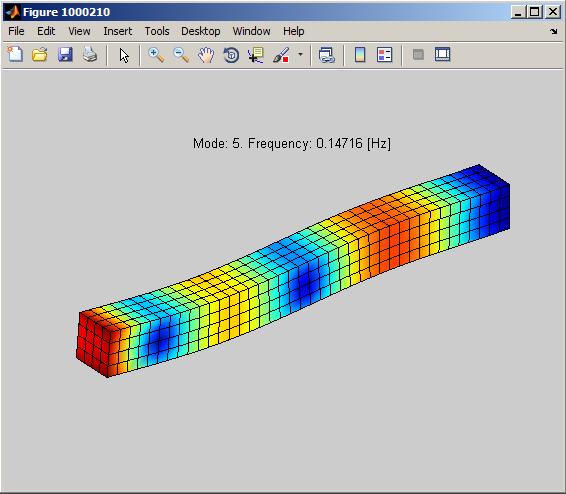
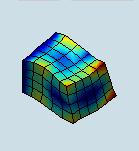
    Mode shape


    2008®. Site design by Anton Zaicenco